
How to Check Apple Gift Card Redemption Time
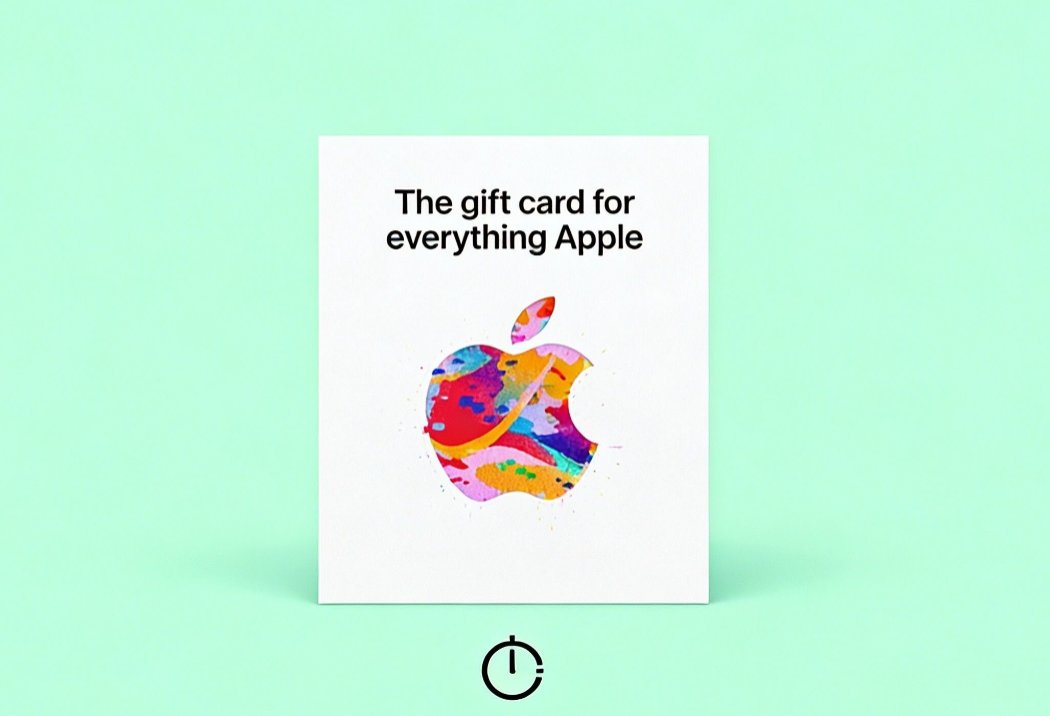
Apple gift cards are an excellent way to purchase apps, music, games, and other content across Apple services. However, sometimes users may want to check when a particular gift card was redeemed, especially for tracking purchases or resolving issues. In this guide, we’ll walk you through the steps on how to check the redemption time of your Apple gift card.
What is Apple Gift Card Redemption Time?
Apple gift card redemption time refers to the time when a gift card’s code is entered and successfully applied to an Apple account. This process may involve using the card for the App Store, iTunes, Apple Music, or iCloud storage. Knowing when the card was redeemed can be useful for various reasons, such as troubleshooting payment issues or tracking the card’s use for budgeting purposes.
How to Check Apple Gift Card Redemption Time
Apple does not provide a direct method to check the exact redemption time of a gift card through its website or app. However, there are some workarounds you can use to gather information about the card’s usage.
1. Check Your Purchase History
The first and most reliable way to check if an Apple gift card has been redeemed is by looking at your Apple purchase history. If the gift card has been applied to any transactions, it should appear there.
Steps:
- Open the App Store or iTunes on your device.
- Click on your profile icon and select Purchased or Account.
- Scroll down to view your purchase history.
- If a gift card has been redeemed, you should see an entry for the redemption under your account history, showing the date and time of use.
You can also view your purchase history on a computer by visiting the Apple Report a Problem page, logging in with your Apple ID, and reviewing your recent transactions.
2. Check Your Apple Account Balance
While Apple doesn’t directly display the redemption time, you can check your Apple ID balance to see when the last balance change occurred. If the card was redeemed recently, this is reflected in your balance.
Steps:
- On your iPhone or iPad, go to Settings and tap your Apple ID at the top.
- Tap Payment & Shipping, then Apple ID Balance to view the most recent transaction.
- If the balance was updated recently, it may indicate when the card was redeemed.
You can also check your Apple ID balance through the Apple ID website.
3. Contact Apple Support
If you are unable to determine the redemption time through your purchase history or account balance, you can contact Apple Support for assistance. They may be able to provide more detailed information regarding the card's redemption.
To contact Apple Support, visit the Apple Support page and select the option to chat or speak with a representative.
Why Is It Important to Know the Redemption Time?
Understanding when an Apple gift card was redeemed can be crucial for several reasons:
- Tracking purchases: Knowing when the card was used can help you track your spending and ensure all purchases were authorized.
- Budgeting: If you're using the card as part of a budget, knowing when it was redeemed helps you track your finances more accurately.
- Fraud detection: If you suspect unauthorized transactions, checking the redemption time can help confirm when and where the card was used.
Conclusion
While Apple doesn't provide a direct way to check the exact redemption time of an Apple gift card, you can use your purchase history, account balance, or contact Apple Support to gather the necessary information. These steps can help you track your gift card usage, monitor spending, and ensure your card was redeemed correctly.
For further assistance, feel free to visit Apple’s support resources:
No Newer Posts