
Razer Gold Gift Card Guide: How It Works, Where to Use, and Redemption Tips
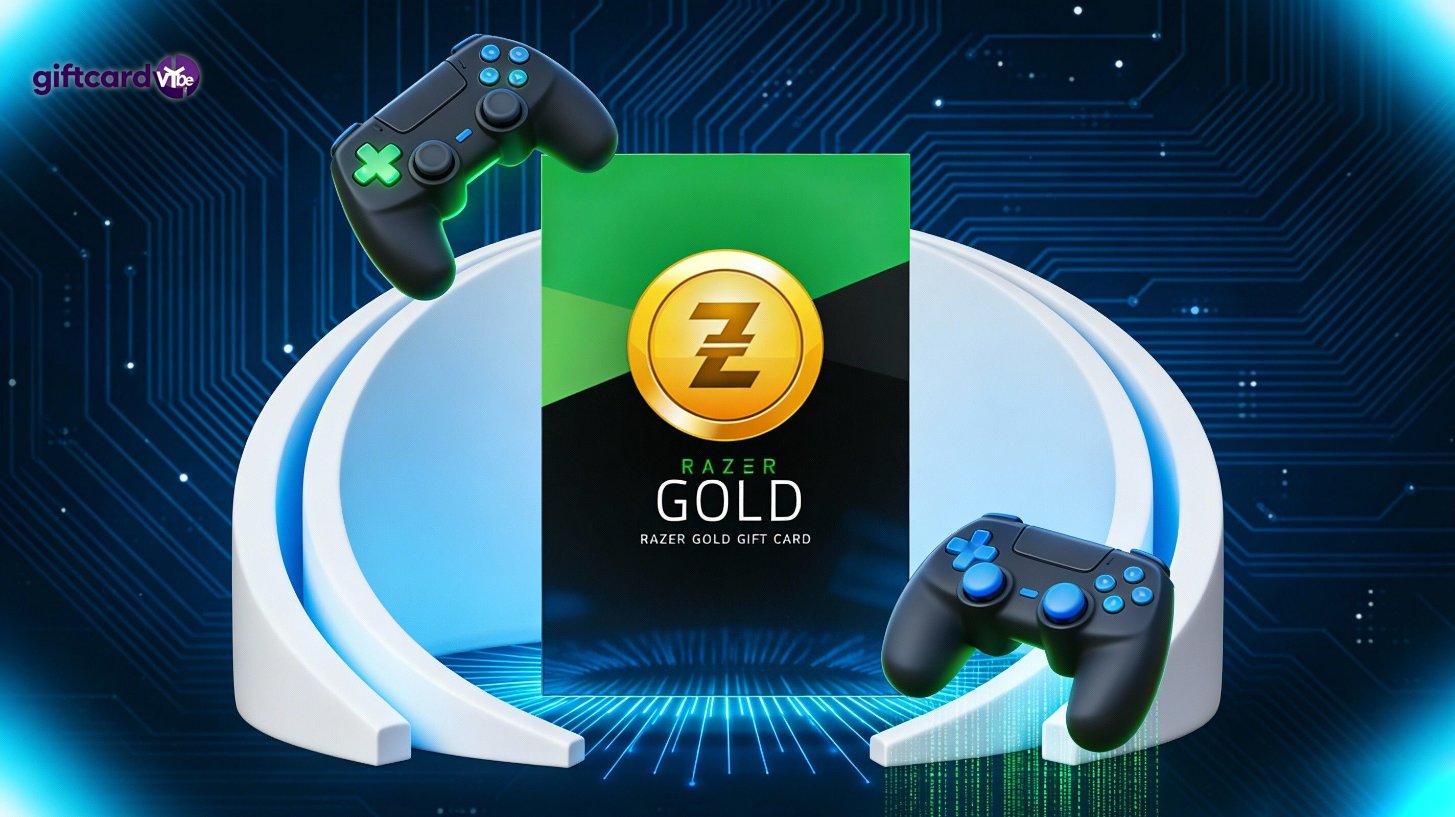
A Razer Gold gift card is one of the most popular digital gaming currencies in the world. Whether you're buying one for yourself or received it as a gift, understanding how it works can help you get the most value out of it.
This guide covers what the card does, how to redeem it, supported platforms, restrictions, and helpful tips to avoid errors when redeeming.
What Is a Razer Gold Gift Card?
Razer Gold is a virtual currency used across thousands of games and entertainment platforms. You can use it to purchase in-game items, subscriptions, game currency, and premium digital content.
Some popular supported titles include:
-
PUBG Mobile Mobile Legends: Bang Bang Valorant Bigo Live MU Origin Marvel Future Fight
You also earn Razer Silver (reward points) every time you spend Razer Gold, which can later be redeemed for gaming gear, digital rewards, or vouchers.
Where Can You Use a Razer Gold Gift Card?
You can use the balance anywhere Razer Gold is accepted, including:
✔ Mobile games
✔ PC gaming platforms
✔ Console-related digital stores (depending on region)
✔ Streaming and entertainment services
The availability can vary depending on your country, so it’s always good to check the official support list.
🔗 Supported content and partners:
https://gold.razer.com/gold/catalog
How to Redeem a Razer Gold Gift Card
Redeeming your Razer Gold gift card takes just a few steps:
-
Go to the official Razer Gold website:
https://gold.razer.com/ -
Sign in with or create a Razer ID.
-
Click “Reload”.
-
Select “Gift Card” as the payment method.
-
Enter the PIN from the card or digital code.
-
Confirm the amount and apply it to your balance.
Once redeemed, the balance will be available instantly in your account.
Checking Your Balance
You can check your current Razer Gold balance in your account dashboard:
🔗 Check balance:
https://gold.razer.com/account/summary
Region Lock and Restrictions
Some Razer Gold codes are region-locked, which means:
-
A US code must be redeemed in a US Razer account.
-
A Malaysia code must be redeemed in Southeast Asia.
-
EU codes typically only work in Europe.
If you're buying online, always confirm whether the code is Global or Region-Specific.
Common Issues and How to Fix Them
| Feature | Details |
|---|---|
| Card Name | Razer Gold Gift Card |
| Supported Regions | Global / USA / EU / SEA (Depends on version) |
| Platforms to Use | Razer Gold website, supported games, mobile top-up |
| Available Denominations | $5, $10, $25, $50, $100 (Varies by region) |
| Expiration | Some versions expire in 12–24 months. Digital codes may not expire. |
| Refund Policy | Non-refundable after redemption |
If nothing works, you can submit a support ticket here:
🔗 Razer Gold Support:
https://gold.razer.com/help
Tips for Getting the Best Value
-
Save Razer Gold for events, bundles, or discounts.
-
Use Razer Silver rewards to redeem vouchers or store credit.
-
Compare regional pricing—some game regions are cheaper.
Is a Razer Gold Gift Card Worth It?
If you frequently play mobile or online games, a Razer Gold card can offer convenience, regional promotions, and reward incentives. For gaming fans, it’s also one of the easiest digital gifts to send.
Conclusion
A Razer Gold gift card is a great way to purchase in-game content securely and conveniently. As long as you understand region rules and redemption steps, you can make full use of every cent—and earn extra rewards while doing it.
References & Official Links
-
Razer Gold Official Website: https://gold.razer.com/
-
Partner Catalog: https://gold.razer.com/gold/catalog
-
Support & FAQ: https://gold.razer.com/help