

Quick answer: an already-redeemed Steam Wallet message means the code cannot be added again. First confirm you are using the intended Steam account and distinguish a Wallet Code from a game CD key. Then preserve the full card, matching receipt, purchase time, and every place the code was shared. Contact the retailer and Steam Support through official channels.
Separate Wallet Codes from product keys
A Steam Wallet Code adds funds to the Steam Wallet. A retail CD key activates a specific game or product. Steam’s duplicate-key page states that a duplicate product key has already been registered and directs retail buyers back to the seller for replacement. For Wallet Codes, use Steam’s Wallet help and redemption flow.
This distinction matters because the support route and evidence can differ. Photograph the whole card and packaging without posting the code publicly, and record the exact error screen and URL.
Build a redemption timeline
-
Purchase
Question: Was the card activated and paid for?
Evidence: Retail receipt, order email, payment record, card packaging
-
Custody
Question: Who could see the code?
Evidence: Photos, cloud backups, email recipients, shared devices
-
Submission
Question: Which account or platform received it first?
Evidence: Order ID, upload time, chat export, support ticket
-
Error
Question: When was “already redeemed” first observed?
Evidence: Screenshot, device time, Steam account used
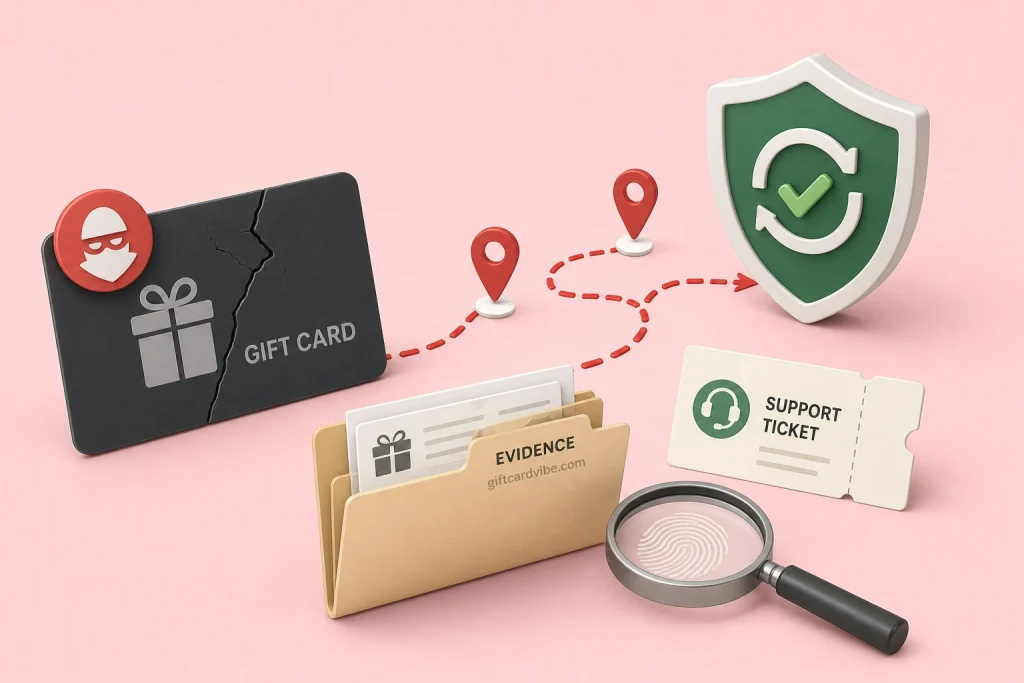
Check your own Steam accounts
- Sign in through the official Steam app or domain.
- Confirm the username and account that attempted redemption.
- Inspect the current Wallet balance and recent account activity.
- Check whether a family member or authorised device used the code.
- Secure the Steam account and email if any login is unfamiliar.
Do not share your password, Steam Guard code, QR login, or remote desktop access with someone offering to investigate. Steam Support does not need a stranger to control your device.
Check the retailer and activation
Steam’s Wallet FAQ notes that retail activation can take several hours and advises contacting support with a clear image of the entire back and a matching receipt when an error persists. If the code was printed directly on a receipt, Steam directs users to the retailer. Return to the place of purchase and ask it to verify the sale and activation record.
An activation delay normally causes an invalid or activation-type issue rather than proving prior use, but confirming the retail record closes an important gap. Keep written responses rather than relying only on a phone conversation.
Audit where the code was exposed
- A full card image automatically uploaded to Google Photos, iCloud, or another shared backup.
- An email account with an unknown login or forwarding rule.
- A WhatsApp or Instagram buyer who asked to “check” the code before payment.
- Two trading apps receiving the same card at the same time.
- A device repair shop, shared computer, or screen recording that showed the code.
Document facts, not guesses. A later platform submission does not prove that platform redeemed the code; an earlier exposure may exist. Ask each platform for its order timestamps and decision evidence.
What GiftCardVibe can and cannot verify
GiftCardVibe cannot access Steam redemption logs, identify the account that used a code, move Steam Wallet funds, or reverse a redemption. Only Steam and the original retailer can evaluate their records. A trader or social-media agent promising private recovery for a fee is not a substitute for Steam Support.
Keep an unresolved card out of normal trading. A lower rate does not repair a redeemed code, and submitting it to more platforms can make the custody timeline harder to prove.
Contact Steam Support effectively
Use Steam Help while signed into the affected account. Provide the clear card image, matching retail receipt, serial information, purchase date, retailer, exact error, and timeline. Do not obscure evidence that Steam needs, but never publish it on a forum. Keep the ticket number and response.
Take evidence photos once
Use even light and capture the full back, card edges, and receipt in separate sharp images. Keep the original files. Repeatedly forwarding compressed chat images can remove detail that the retailer or Steam needs to compare.
If the code was taken in a scam
Steam’s scam guidance says to keep the card and receipt and report the incident to local police after the code has been given to a scammer. In Nigeria, preserve the original chats and bank evidence for the NPF-NCCC portal. Recovery is uncertain and speed matters.
Related pages
Use the Steam country rate page only for a clean card. If the code may have been taken, follow the incident-response guide while Steam reviews the evidence.
Steam support and recovery sources
Steam redeemed-code FAQ
Can Steam tell me which account redeemed the code?
Submit the card and purchase evidence to Steam Support. Do not rely on a third party claiming it can reveal account details.
Does already redeemed mean the retailer failed to activate it?
Not necessarily. They are different issues, but the retailer’s activation record and receipt remain important evidence.
Can I sell a Steam card with this error?
Do not present it as a clean card. Resolve the error first or disclose it only to a platform with an explicit error-card process.