
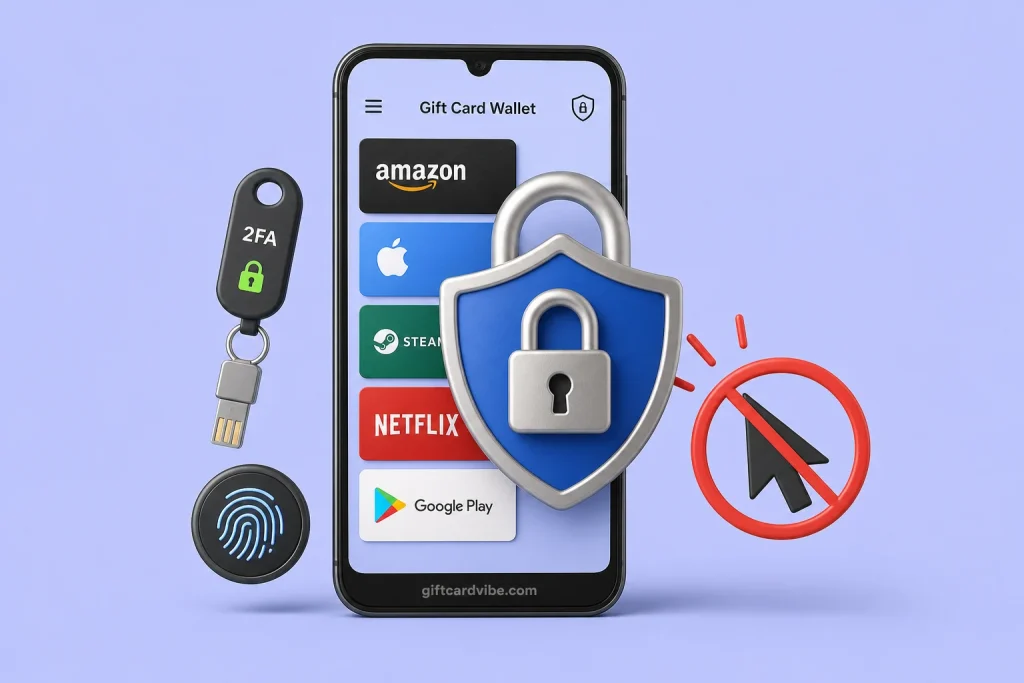
Quick answer: protect the email first, use a unique password, enable the strongest available 2FA, lock withdrawals with a separate PIN, review sessions and bank beneficiaries, and install apps only from verified listings. Treat any request for an OTP, recovery code, QR login, screen share, or remote-control app as an account-takeover attempt.
Map the assets an attacker wants
Gift card codes
Attack path: Email takeover, gallery sync, clipboard, fake upload page
Primary control: Secured email, protected storage, verified order URL
App wallet
Attack path: Password reuse, stolen session, malicious app
Primary control: Unique password, session review, device security
Withdrawal
Attack path: Changed bank account, stolen PIN or OTP
Primary control: Withdrawal 2FA, alerts, beneficiary review
Identity
Attack path: Fake KYC support, phishing form
Primary control: Official in-app flow, privacy check, minimal disclosure
Recovery
Attack path: Email or SIM takeover
Primary control: Email 2FA, SIM PIN, current recovery contacts
Use a password manager and unique credentials
Create a long random password used only for the trading app and another unique password for the registered email. A password manager reduces reuse and look-alike-site entry. Do not store the password in WhatsApp, a public notes app, or a screenshot gallery.
If the app offers a separate withdrawal PIN, do not reuse an ATM PIN, phone unlock code, or birthday. Never disclose it to support.
Choose and secure 2FA
Use an authenticator app or hardware-backed method when offered. If only email or SMS is available, secure that channel and turn on login alerts. Store backup codes offline in a protected location, not in the same email account they recover.
Instagram’s official guidance recommends an authentication app for its own 2FA and warns against trusting shared devices. The same principle applies to accounts used to contact buyers: social account takeover can be used to impersonate you and redirect customers.
Defend the email and SIM
- Review email login sessions and remove unfamiliar devices.
- Check forwarding rules, recovery email, phone number, and connected apps.
- Enable email 2FA and keep the recovery method current.
- Set a SIM PIN and ask the network about protections against unauthorised SIM replacement.
- Do not use the same public phone number for every high-risk recovery path when alternatives exist.
Recognise support impersonation
- An agent contacts you first after you post a complaint.
- The message creates urgency about suspension or a disappearing balance.
- You are sent a shortened link or a domain with one changed character.
- The agent asks for an OTP, password, PIN, backup code, or QR scan.
- You are told to install AnyDesk, TeamViewer, an APK, or a browser extension.
Open support from the signed-in app or typed official domain. A real logo, ID card, or screenshot does not authenticate the person.
Harden the phone
Keep Android or iOS and the app updated, use a strong device lock, disable notification previews for sensitive messages, and remove unknown accessibility or device-admin permissions. Avoid rooted or modified devices for financial activity. Install apps only from the official store link and compare the developer.
Review money movement weekly
Inspect saved bank accounts, auto-withdrawal settings, wallet history, open sessions, and security alerts. Enable withdrawal 2FA where available. A small unauthorised beneficiary change can be more important than a dramatic login alert.
Run a monthly recovery drill
Confirm that you can access the registered email, receive the chosen second factor, find offline backup codes, recognise the official support route, and identify every active device. Do not actually reset the account without reason. The goal is to discover an expired phone number or inaccessible mailbox before an attacker or lost device turns it into an emergency.
Keep work and personal exposure apart
Use a dedicated email alias and protected storage for trading records where practical. Avoid showing wallet balances, KYC screens, or order IDs in public tutorials. When posting a complaint, redact codes, account numbers, identity documents, and support recovery details while preserving originals for official investigation.
If takeover may have happened
- Use a clean device to secure the email and change its password.
- Reset the trading password and revoke other sessions.
- Disable or review auto-withdrawal and saved bank accounts.
- Contact official support and request a temporary transaction restriction.
- Notify the bank of unauthorised movement and preserve statements.
- Report cyber fraud with the evidence; do not negotiate with the attacker.
Review scope
- Reviewed by
- GiftCardVibe Editorial Desk
- Last fact-check
- Jul 18, 2026
- Scope
- General account-security source review; not a security audit of a named platform.
Account-security sources
Account security FAQ
Is SMS 2FA enough?
It is better than no 2FA, but authenticator or hardware-backed methods can reduce SIM-related risk when the app supports them.
Can support ask for my OTP to reverse a transaction?
No legitimate support conversation should require you to disclose an OTP, password, withdrawal PIN, or recovery code.
Which account should I protect first?
Secure both the registered email and trading account. Email often controls password resets and withdrawal verification.