
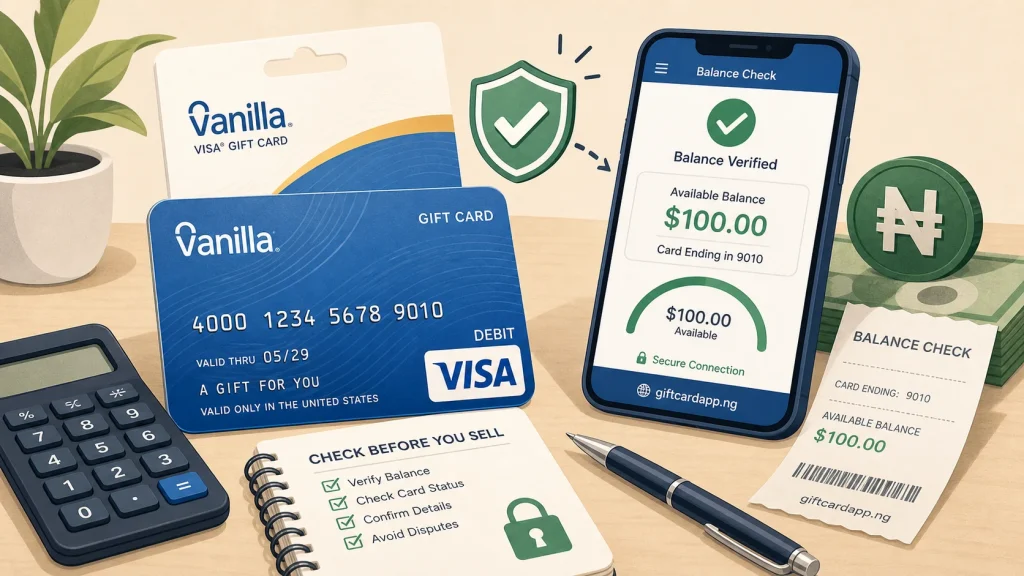
Quick answer: use the balance website printed on the back of your Vanilla card or Vanilla’s official help page. Enter card details only on the verified Vanilla domain. Record the available balance and recent transactions, then close the page; do not send a screenshot that exposes the full card number, expiry date, or security code.
Use the issuer’s balance route
Vanilla’s official help center directs cardholders to balance.VanillaGift.com or the phone number printed on the card. The online check asks for the card number, “Valid Through” date, and security code. Type the address yourself or follow the balance link from VanillaGift.com. Avoid ads, shortened links, and lookalike domains.
Official reference: Vanilla Gift Help.
Understand the numbers on the balance page
| Balance-page item | Meaning | Why a seller should care |
|---|---|---|
| Available balance | Funds currently available for authorization | This is more useful than the card’s printed face value. |
| Pending transaction | A merchant authorization that has not fully settled | Available funds may change when the hold is completed or released. |
| Posted transaction | A completed debit or adjustment | It helps explain why the remaining balance is below face value. |
| Declined attempt | A transaction the issuer did not approve | It can point to insufficient funds, merchant restrictions, or verification issues. |
Why face value and available balance can differ
A $100 package does not prove that $100 remains. The card may have been partially used, a transaction may be pending, or a merchant may have placed an authorization hold. Vanilla notes that some transaction types can require a hold above the purchase amount. Until pending activity settles, do not promise a buyer an exact usable balance.
The “Valid Through” date is used to process transactions; Vanilla’s help content explains that the underlying funds do not expire merely because the plastic displays that date. If a card is approaching the printed date, contact the issuer instead of assuming the money is gone.
Capture proof without exposing credentials
- Check the balance privately on the official site.
- Write down the available balance and check time.
- If a platform requests a screenshot, cover all but the last four digits and remove the security code.
- Keep the purchase receipt and packaging. Do not edit the original files.
- Ask the platform what evidence it needs before sending anything.
A public screenshot should never contain enough information to make an online purchase. A buyer who insists on receiving the full front and back before creating a traceable order is asking you to surrender control of the funds.
Physical card and eGift differences
Vanilla says physical cards may require activation, while its eGift products are activated upon purchase and delivery. For a physical card, keep the activation receipt and make sure the package was not tampered with. For an eGift, preserve the original delivery email and order record rather than only a cropped image.
What a resale quote actually represents
A Vanilla quote can depend on the card’s issuing country, available balance, transaction history, format, and the trading platform’s current demand. It is not appropriate to multiply the printed face value by one generic rate when the remaining balance differs. Use the Vanilla rate page to compare applicable market rows and the calculator for a planning range. Confirm the final payout before submitting details.
Stop and contact Vanilla when
- The official site cannot recognize a correctly entered card
- You see a transaction you did not authorize
- The card was lost, stolen, or the packaging was compromised
- A pending hold remains longer than the merchant or issuer advised
- The physical card appears activated but available balance is zero
Vanilla balance FAQ
Where should I check a Vanilla Visa balance?
Use the balance address printed on the card or follow the balance instructions from VanillaGift.com. Do not enter card details into GiftCardVibe or a trader’s form.
Why is the available balance lower than the printed amount?
The card may have posted purchases, pending authorizations, or earlier use. Review the transaction list and contact Vanilla about activity you do not recognize.
Can I sell a card with a pending transaction?
Wait until the available balance is stable. A pending authorization can change, so a buyer cannot reliably price the card from face value alone.
Should I send a full balance screenshot?
No. Redact the card number, expiry date, and security code. Share sensitive evidence only within a platform’s authenticated order process when necessary.